
1. Go to portal.office.com
2. Sign in with your Microsoft login

3. Click “Install Office” then “Office 365 apps”

4. Open the download
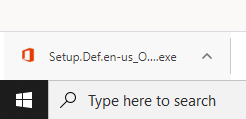
5. Allow to make changes if it asks and the install will begin

6. Once it finishes installing you will see the following

7. Click “Close” and then you have completed the install of Microsoft Office
0 Comments