
Sync OneDrive for Business to your computer, and then get to your files in File Explorer instead of in a web browser. All your changes sync to OneDrive for Business whenever you’re online.
-
At the top of the page, select OneDrive. Or, select the app launcher
 , and then select OneDrive.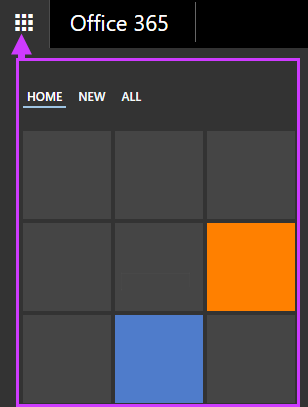
-
On your OneDrive for Business page, click Sync.

-
At the prompt, click Sync Now to start the sync app.
The app automatically fills out the name and web address of your OneDrive for Business library.
-
Select Sync Now in the app to start syncing.
You can click Show my files in the app to open the synced OneDrive for Business folder in File Explorer. The folder appears in your Windows Favorites as OneDrive for Business or OneDrive - YourCompanyName.

0 Comments